← Back to Games

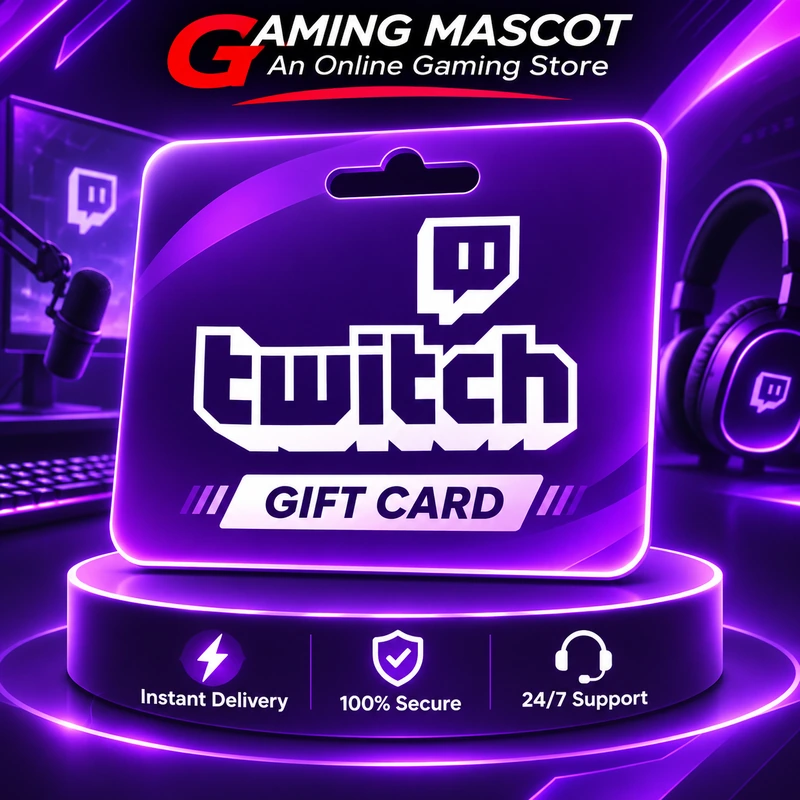
Twitch Gift Card

Select a product to purchase

Details

Twitch Gift Card

Selected Game

Twitch Gift Card

Choose your preferred package and continue to checkout.

Available Products

3

Available Purchase Options

Availability In Stock
i

Description

How to Redeem a Twitch Gift Card?

  1. Visit https://www.twitch.tv/redeem

  2. Log in to your Twitch account.

  3. Enter your Twitch Gift Card Code.

  4. Select your country of residence.

  5. Click Redeem.

  6. Your gift card balance will be added to your Twitch Wallet.

Chat on WhatsApp
Chat on Messenger
Live Chat
GM

Gaming Mascot Support

How can we help you?

Send us a message. Our support team will assist you.

Please enter your email address so our support team can contact you.

You are connected to Gaming Mascot Support. This conversation has been closed.
Send your first message to our support team.

Powered by Gaming Mascot